
Catch risk at edit time, not release time
Holds apply as the document is being edited, not at release. Your team sees the status immediately instead of discovering a problem when they try to post.
Automatically hold sales documents for credit limit or past-due customers.
Evaluates every sales document — Quotes, Orders, Invoices, and Credit Memos — against customer credit limits and past-due invoices in real time. Holds risky documents immediately, uses standard Business Central approval workflows, and keeps the paper trail on the document itself.
Promotional Price:$1,500/ year$2,500Save $1,000 through Dec 22, 2026
Promotional price applies to the first year of the annual subscription only. Renewals are at the regular price.
Sales documents for customers past their credit limit or carrying past-due invoices often post, ship, or print without a credit check — because the check happens at release time, or not at all. When it does catch something, it requires steps outside the approval tools Business Central already has.
Blue Dragonfly Sales Holds evaluates every sales document against your customers' credit limits and outstanding past-due invoices in real time, as the document is edited. When a risk is detected, the document is placed on hold immediately — blocking release, posting, shipping, and printing — until an authorized approver clears it through Business Central's standard approval framework.
Holds apply as the document is being edited, not at release. Your team sees the status immediately instead of discovering a problem when they try to post.
No custom workflow engine. Sales Holds integrates directly with the standard Business Central approval framework, so existing approver groups and workflows continue to work.
Credit limit holds compare total customer exposure — balance, outstanding orders, shipped-not-invoiced, open invoices, and service exposure — against the credit limit, with configurable tolerance.
Hold status, timestamp, and approval state are stored on the sales document header itself — full traceability without digging through separate logs.
Holds are applied as you edit the document, not at release time, so your team knows the status the moment a risk condition is detected.
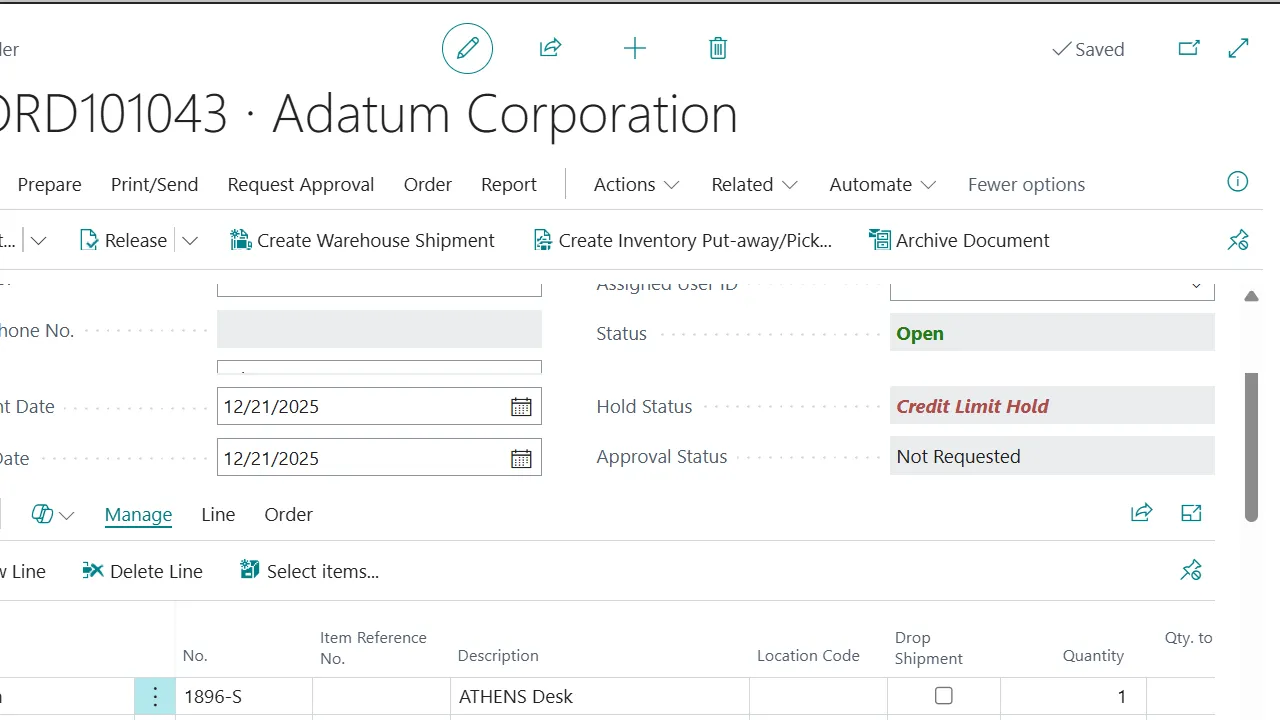
Compares total customer exposure — balance, outstanding orders, shipped not invoiced, open invoices, and service exposure — against the credit limit with configurable tolerance.
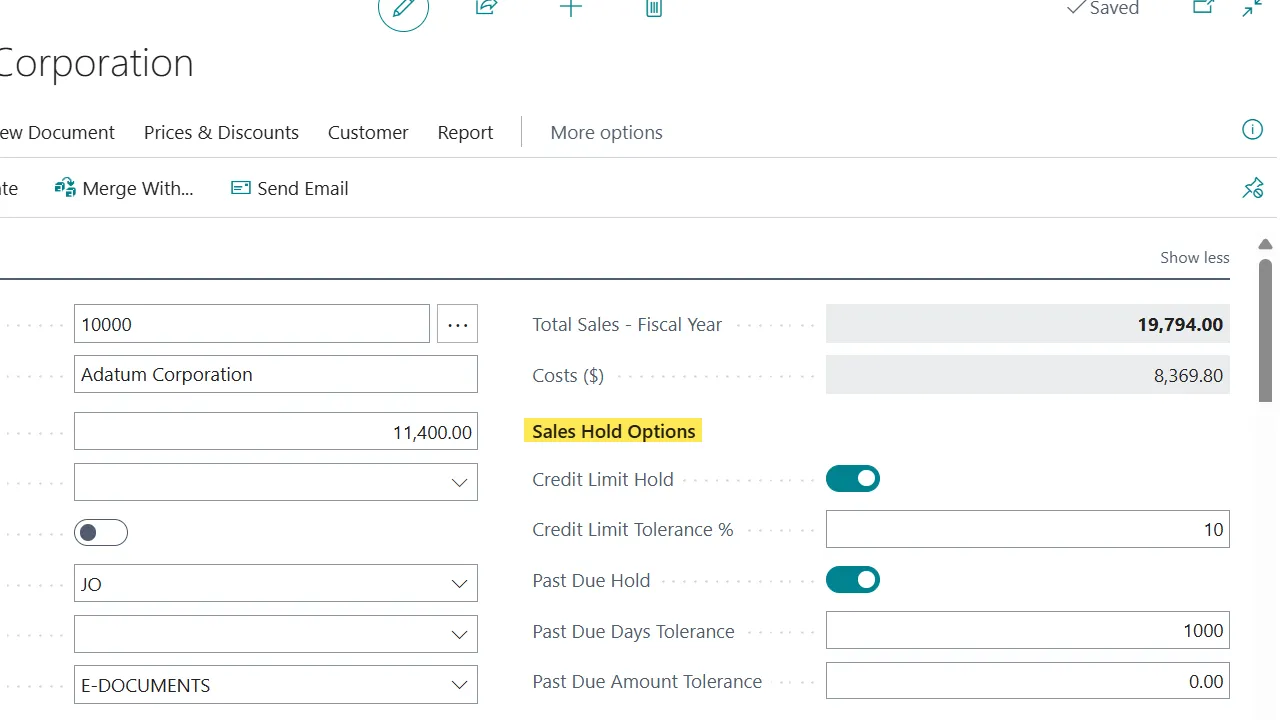
Detects open past-due invoices with configurable day and amount tolerance thresholds.
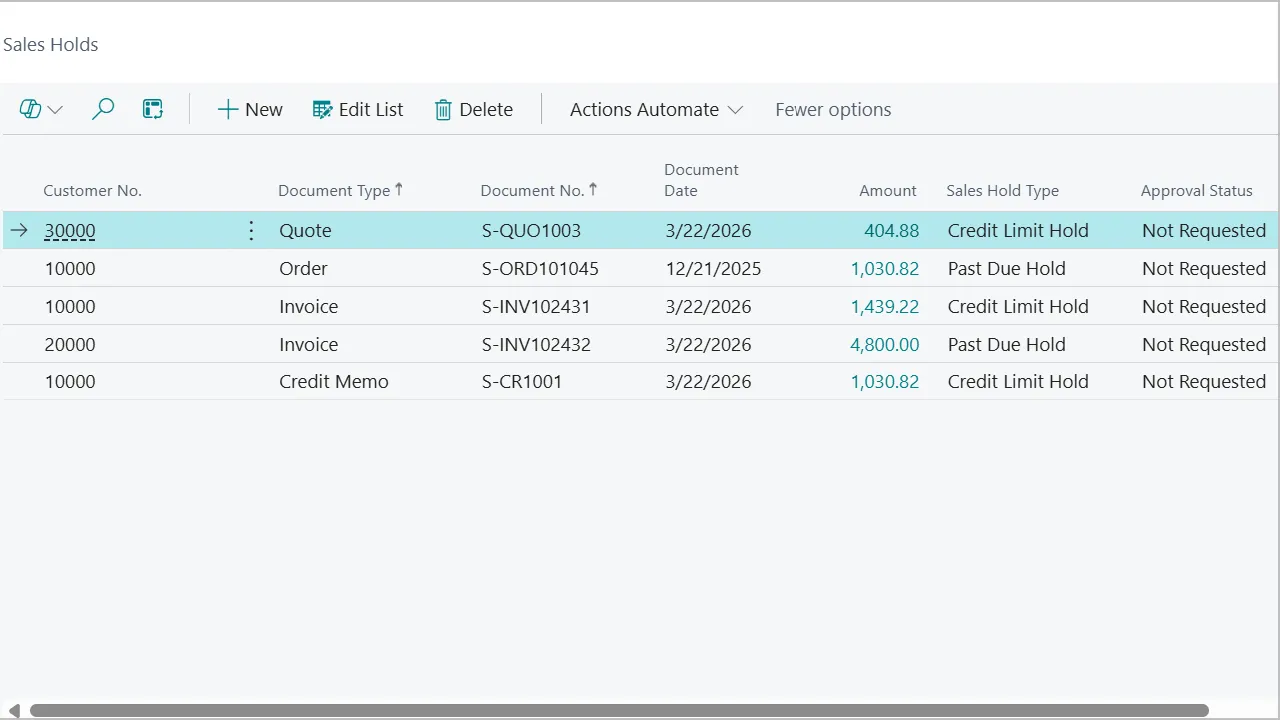
Once a document is approved, users can continue editing it without triggering a second hold or approval cycle.
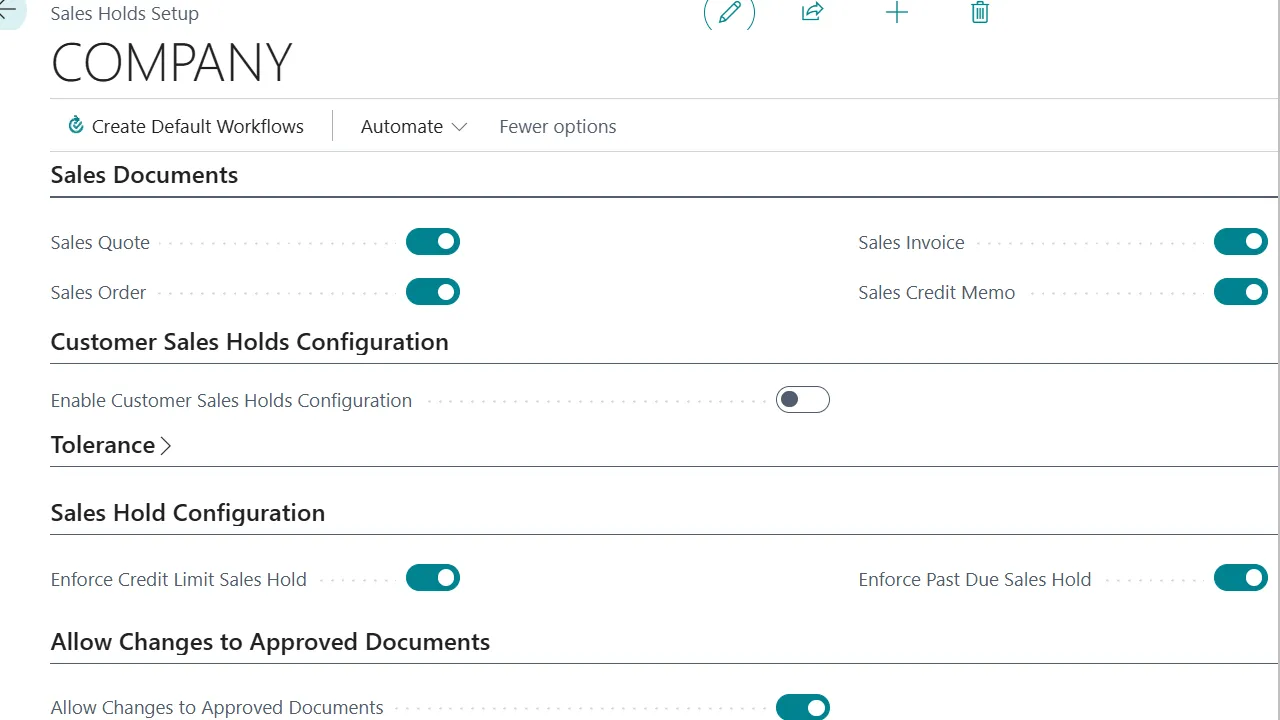
Set hold tolerance rules globally for the whole company or override them per customer.
A dedicated cue on the Business Manager role center shows how many documents are currently on hold at a glance.
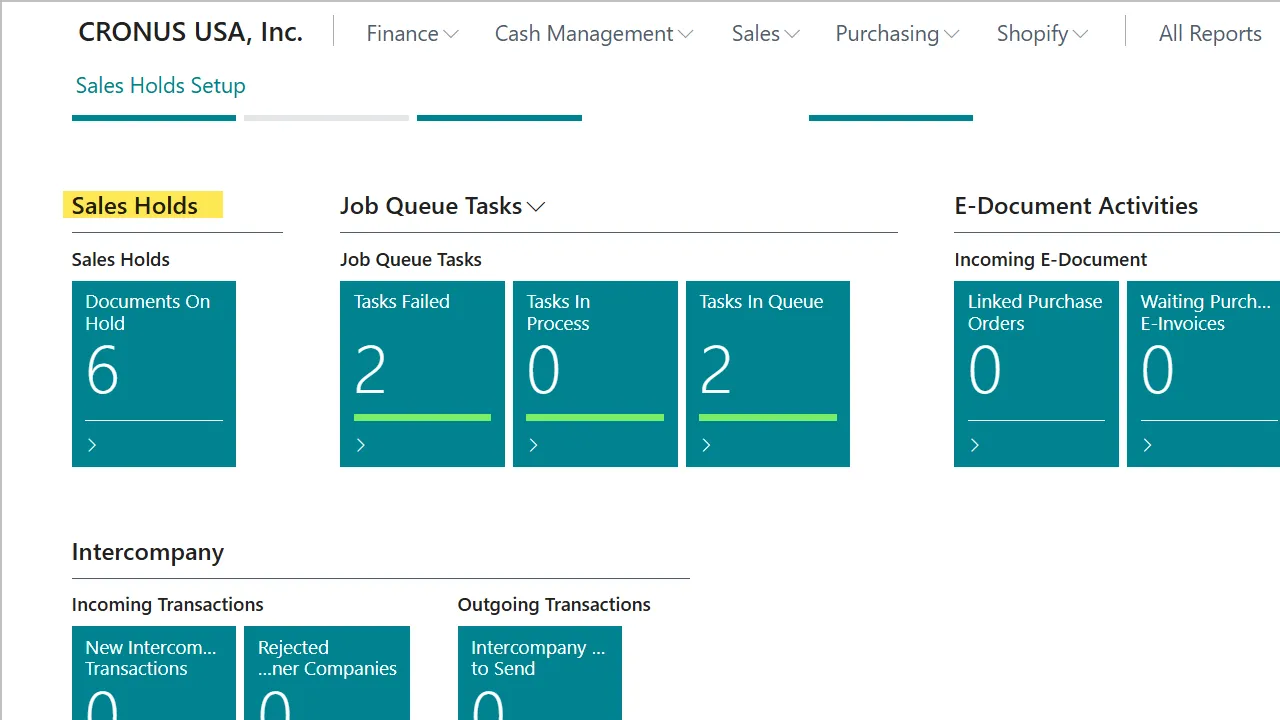
On the Sales Holds Setup page, enable the document types you want to monitor (Quotes, Orders, Invoices, Credit Memos), set credit limit and past-due tolerances, and choose company-level or per-customer rules.
Sales Holds runs in the background. When a hold condition is detected while a document is being edited, the Hold Status field updates instantly and all processing actions are blocked.
The salesperson uses the standard BC Request Approval action to initiate the workflow through your existing approver groups.
Once approved, the document is unblocked and the team can continue — edits after approval do not trigger another hold unless the exposure changes materially.
Promotional Price:$1,500/ year$2,500
Save $1,000 through Dec 22, 2026
Promotional price applies to the first year of the annual subscription only. Renewals are at the regular price.
Annual subscription
Discount valid through December 22, 2026 (5 pm Pacific). The promotional price applies to the first year of the annual subscription only; it renews at the regular price of $2,500/year. Priced per Business Central tenant.
Request a DemoQuotes, Orders, Invoices, and Credit Memos. You enable the document types you want to monitor on the setup page.
It goes further. Standard BC shows a warning; Sales Holds blocks the document and routes it through approvals, with a fuller exposure calculation and real-time evaluation.
No. Sales Holds uses Business Central's standard approval framework so your existing approver setup continues to work.
Yes. Hold rules can be configured globally for the company and overridden per customer.
Last updated
Credit limits and past-due balances are easy to enforce in theory and hard to enforce in practice — because the check happens too late, or sits in a separate tool.
Blue Dragonfly Sales Holds puts the check on the document, in real time, using the approval framework Business Central already has. Risk gets caught at edit time, approvers clear holds through their normal workflow, and the hold and approval history is stored on the sales document itself.